
If you’ve ever typed your business name into Google and thought, “Why am I nowhere?”, you’re not alone. For local businesses across Cheshire (and nearby areas like Chester, Warrington, Northwich, Crewe and Macclesfield), the most common reason websites “don’t show up” is not a mysterious Google penalty, it’s usually one or two fixable technical or local SEO issues holding things back.
This guide will help you diagnose what’s going on, in plain English, then prioritise the fixes that typically move the needle fastest.
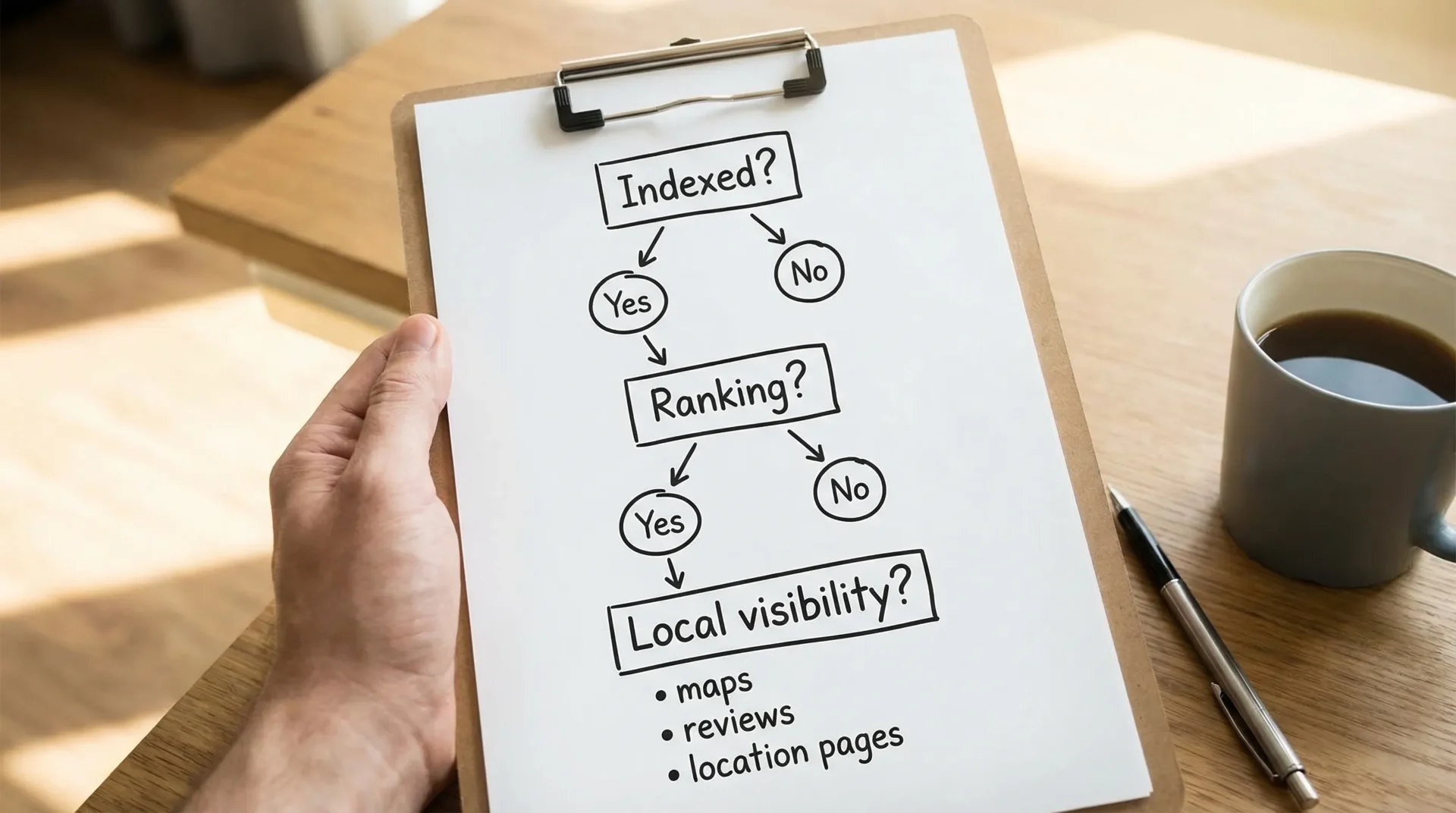
First, work out which problem you actually have
“Not showing up on Google” usually means one of these:
1) Your pages are not indexed (Google hasn’t added them to its database)
A page that isn’t indexed cannot rank, no matter how good your SEO is.
Quick test: search Google for:
site:yourdomain.co.uk
If you see zero results, indexing is your first issue.
2) Your pages are indexed, but they’re not ranking for the searches you care about
If site: shows pages, Google can see your site, you just aren’t visible for your target queries yet.
3) You’re showing up sometimes, but not in the places that bring leads
For local businesses, this often means:
- You’re not appearing in the Google Map Pack (the map results).
- You’re not appearing for “near me” searches.
- You’re appearing for the wrong town, service, or intent.
The fix depends on which bucket you’re in, so start there.
If your website isn’t indexed: the most common causes (and how to check)
Indexing problems are usually quick to diagnose with Google Search Console. If you haven’t set it up, do that first. Google’s own documentation is here: Get started with Search Console.
Once you’re in, use URL Inspection on a key page (your homepage, main service page, or location page) and look for clues.
The “big 6” indexing blockers we see most often
1) A “noindex” tag is accidentally switched on
This often happens after a site build or redesign when a developer hides a staging site from Google and the setting remains on launch.
What to check:
- In Search Console URL Inspection, look for “Indexing allowed?”
- In WordPress, check “Discourage search engines from indexing this site”
2) Your robots.txt is blocking important pages
Robots.txt tells search engines where they can and can’t crawl. It’s easy to accidentally block entire folders.
What to check:
- Visit
yourdomain.co.uk/robots.txt - Look for
Disallow: /or overly broad rules
3) Canonicals point to the wrong place
A canonical tag tells Google which version of a page is the “main” one. If it points somewhere else (or to an old domain), Google may ignore your page.
What to check:
- In Search Console URL Inspection, see which canonical Google selected
4) Redirect chains, loops, or broken pages (4xx/5xx)
If Google keeps hitting redirects, errors, or timeouts, it may stop trying.
What to check:
- Search Console reports for “Pages” and “Crawl stats”
- Your web host error logs (if you have access)
5) Your site is new and hasn’t earned trust yet
New domains can take time to settle. Indexing can happen quickly, but ranking can be slow until Google has enough signals.
What to do:
- Ensure you have a clean technical setup
- Publish genuinely useful content (not filler)
- Build local trust signals (reviews, citations, local links)
6) Your site is behind a login, blocked by firewall rules, or misconfigured hosting
Sometimes it’s as simple as Google being unable to fetch your pages reliably.
What to check:
- Does the site load consistently on mobile data?
- Is the server returning correct HTTP status codes?
If your site is regularly slow or unstable, upgrading hosting can be part of the fix. Some businesses move to faster infrastructure such as high-speed VPS hosting when performance and reliability are recurring issues (especially if you’re running heavier themes, ecommerce, or multiple plugins).
Indexing troubleshooting table (quick reference)
| Symptom | Likely cause | How to confirm | Typical fix |
|---|---|---|---|
site:yourdomain shows nothing |
Noindex / robots block / site inaccessible | Search Console URL Inspection | Remove noindex, adjust robots, fix access |
| Only homepage appears | Weak internal linking or crawl issues | Search Console “Pages” report | Improve internal links, submit sitemap |
| Page says “Discovered, currently not indexed” | Low perceived value, duplication, crawl budget | Search Console status details | Improve content, avoid duplicates, strengthen internal links |
| “Duplicate, Google chose different canonical” | Canonical conflict | URL Inspection details | Fix canonical tags and redirects |
| “Soft 404” | Thin content or incorrect status | Search Console + manual review | Improve content or return correct status |
If you suspect an indexing blocker and want a checklist-based approach, this pairs well with our audit-focused post: Shall We Audit Your Website?
If you ARE indexed but still not visible: why you’re not ranking
Once indexing is sorted, ranking becomes a competition. Google is comparing your page to alternatives and asking:
- Is this the best answer?
- Is it trustworthy?
- Is it fast and usable?
- For local searches, is it relevant to this location?
Here are the most common ranking blockers for small businesses.
1) You’re targeting what you sell, not what people search
A classic example:
- Your page title says “Quality Services | ABC Ltd”
- Your customers search “kitchen fitter Chester” or “emergency electrician Crewe”
Google can’t rank you for searches you never clearly mention.
Fix: align page topics with real search intent. If you want help framing this in local terms, our guide on getting listed properly is a good companion: How To Get My Business On Google
2) Your local signals are weak (so Google doesn’t trust your location relevance)
For Cheshire businesses, this is huge. You can have a decent website and still lose leads to competitors because Google trusts their Google Business Profile and local footprint more.
Common gaps:
- Google Business Profile not fully completed
- Inconsistent NAP (Name, Address, Phone) across directories
- Too few reviews, or no review responses
- No town-specific pages (or they’re thin and duplicated)
If calls and enquiries are the goal, this deep dive is worth bookmarking: Local SEO Services: How to Get More Calls in Cheshire
3) Your pages are too thin to compete
In 2026, a “service page” that’s 150 words and a stock photo rarely ranks in competitive areas, even in smaller towns.
A good local service page usually includes:
- What you do, who it’s for, and what problems you solve
- Your service area (specific Cheshire towns you cover)
- Proof (photos, testimonials, accreditations, case studies)
- Clear next step (call, form, quote request)
The goal is not to write long pages for the sake of it. The goal is to remove doubt and answer the questions customers (and Google) need answered.
4) Technical and UX issues are quietly dragging you down
Technical SEO does not replace good content, but it can stop good content from performing.
Common problems we see on small business sites:
- Slow load times (especially on mobile)
- Layout shifts and “jumpy” pages
- Bloated plugins and heavy themes
- Broken internal links and messy redirects
- Duplicate titles, missing headings, or confusing navigation
If you want a broader view of the technical side without the jargon, this article may help: Demystifying Technical SEO: A Comprehensive Guide
5) You have little authority (few quality links and mentions)
Even with perfect on-page SEO, Google still looks for signs that your business is real and respected.
For local businesses, “authority” can come from:
- Local newspaper or community features
- Supplier and partner links
- Local sponsorships
- Chamber of commerce listings
- Industry directories (reputable ones)
Avoid cheap link packages. They can backfire and are rarely worth it.
6) You’re missing the “AI-shaped” search results (and losing clicks)
Google’s results are increasingly mixed: Map Pack, AI Overviews, “People also ask”, product blocks, and more.
That means you may be indexed and ranking, but still not getting traffic because:
- Your content doesn’t answer questions clearly enough to be surfaced
- Your pages lack structure (clear headings, concise definitions, supporting detail)
- Your business details are unclear or inconsistent
If you’re also thinking about visibility beyond classic Google listings (AI engines and answer platforms), this explains what matters: Why the New ChatGPT Search Engine Changes Everything for SEO
A practical “fix it” plan (without doing everything at once)
Most small businesses don’t need 50 SEO tasks. They need the right 5 to 10 tasks in the right order.
Step 1: Do a 30-minute visibility triage
- Run a
site:search to confirm indexing. - Set up Search Console and check URL Inspection on your key pages.
- Check for noindex and robots.txt problems.
- Search your exact business name and town (for example “Your Brand Northwich”).
- Confirm your Google Business Profile exists and is verified.
Step 2: Fix the “stop signs” first
If Google cannot crawl, index, or trust your pages, nothing else matters.
Typical quick wins:
- Remove accidental noindex
- Submit an XML sitemap in Search Console
- Fix broken pages and redirect chains
- Ensure HTTPS works properly
- Improve mobile usability and speed
Step 3: Build pages that match how people in Cheshire actually search
This is where local lead generation usually improves.
Instead of one generic Services page, many businesses need:
- One strong page per core service
- Supporting content that answers common questions
- Location-focused pages where it makes sense (and where you genuinely operate)
A simple example:
A “Plumbing Services” page often won’t compete. A page focused on “Boiler Repair in Chester” (with pricing guidance, response times, what to do next, and local proof) has a much clearer job.
Step 4: Strengthen your local trust signals
For Cheshire and surrounding counties, don’t underestimate this.
Focus on:
- Reviews (and responses) on your Google Business Profile
- Consistent NAP across key directories
- Photos of real work, your team, your premises
- Local links and mentions that make sense for your industry
Step 5: Track what’s happening, not just “rankings”
Rankings matter, but leads matter more.
Track:
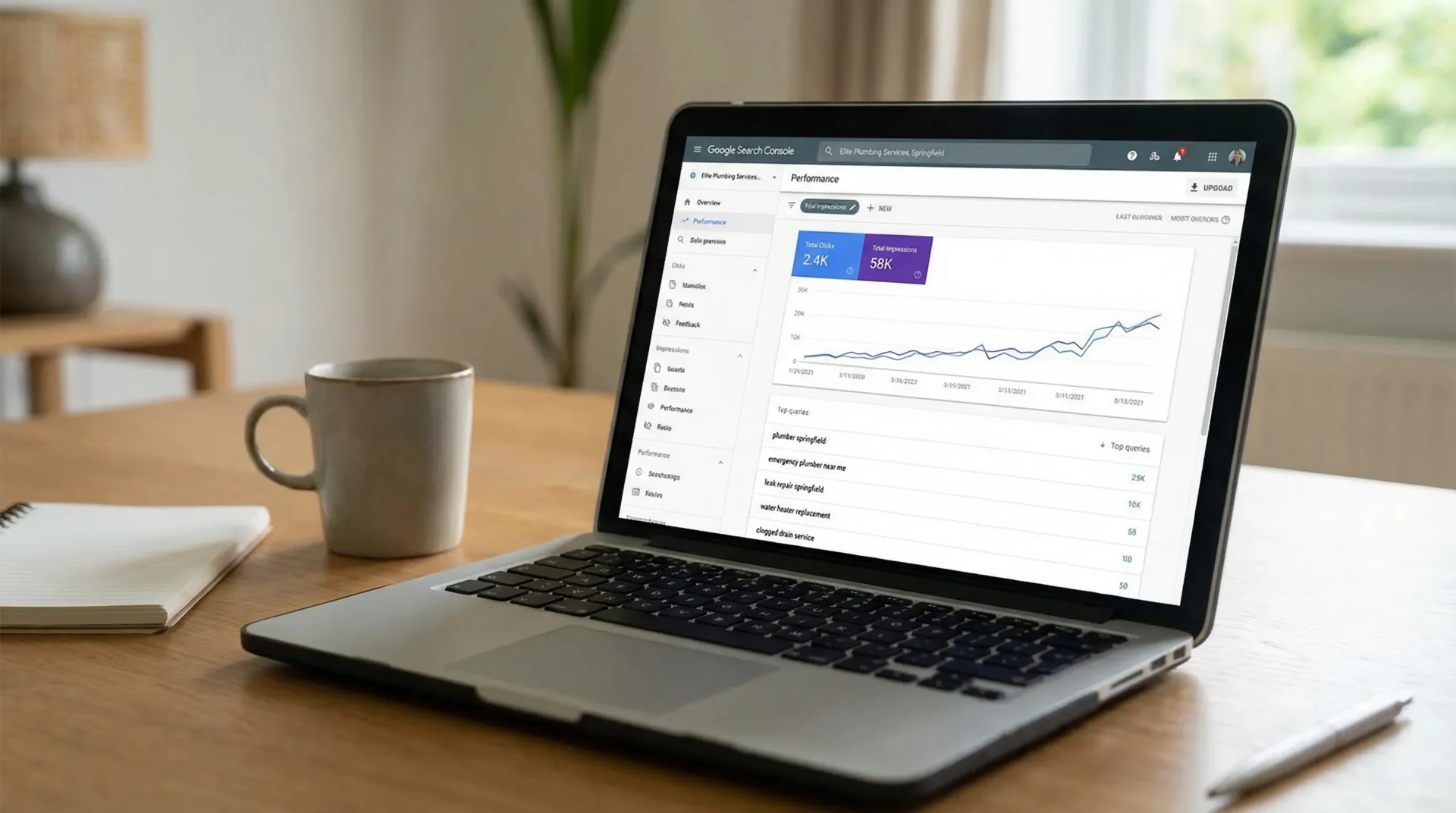
- Impressions and clicks in Search Console
- Calls, form enquiries, and direction requests from your Google Business Profile
- Which pages are bringing enquiries, not just traffic
When it’s time to get help (and what to look for)
If you’ve fixed the basics and still aren’t seeing movement, it may be time to bring in support. The key is to avoid paying for busywork.
A good provider should be able to explain:
- Whether your issue is indexing, ranking, or local visibility
- What they will prioritise first, and why
- How progress will be measured (in leads and revenue terms, not just reports)
If you’re comparing options and searching for the “best SEO company”, the best one for you is usually the one that shows clear thinking, transparency, and evidence of results in businesses like yours, ideally in your area.
If you want a framework for evaluating agencies this year, we wrote a practical guide here: How to Choose the Right SEO Marketing Agency in 2026
Want us to tell you exactly why your site isn’t showing up (and what to do next)?
If you’re a small business in Cheshire (or the surrounding counties) and you want more calls and enquiries from Google, we can help you cut through the guesswork.
SEO Bridge provides budget-friendly, transparent SEO for local businesses, including technical checks, on-site improvements, and local SEO strategy. You can learn more about our approach here: Affordable SEO for small businesses in the UK.
If you’d like, request our free SEO analysis and we’ll:
- Identify the main reason your website is not showing up (indexing, local, content, or technical)
- Highlight the quickest wins to improve visibility
- Outline a sensible next-step plan based on your goals and area
Get in touch via the site and we’ll take a look.
